The frustrating answer is that a sump pump battery backup might protect a basement for a few hours or a couple of days, depending heavily on how often the pump actually has to run.
That’s why I don’t put much faith in a box that simply says “48-hour backup.”
Forty-eight hours under what conditions?
If the pump runs for 30 seconds every ten minutes, that’s one thing. If heavy rain has it running almost continuously, that’s completely different.
Some actual manufacturer numbers show just how dramatic the difference can be. Zoeller rates its Aquanot Spin 508 at about 6 hours of continuous pumping on a fully charged battery, but says the same system can provide 48 hours or more at a 10% duty cycle. Basement Watchdog publishes similar runtime figures based specifically on a 10% duty cycle.
So the question I really want answered isn’t:
How many hours does this battery last?
It’s:
How many minutes will my sump pump actually need to run during those hours?
Start by Measuring How Often Your Pump Runs
This is the most useful thing a homeowner can do before buying a backup battery.
Wait for a meaningful rain and spend 15 or 30 minutes near the sump pit.
Time:
- How long the pump runs each cycle.
- How long it stays off between cycles.
- How many times it starts.
- Whether the cycle rate increases as the rain gets heavier.
Suppose the pump runs for 30 seconds and stays off for 4 minutes and 30 seconds.
That’s a five-minute total cycle.
The pump operates for 30 seconds out of every 300 seconds.
That’s a 10% duty cycle.
And 10% is especially useful because several sump-backup manufacturers publish runtime figures using that assumption.

What Does a 10% Duty Cycle Actually Mean?
It means the pump is physically running for about six minutes during each hour.
That’s very different from a pump running continuously for 60 minutes.
Over a 10-hour outage:
10% duty cycle = about 1 hour of actual pumping
Over a 24-hour outage:
10% duty cycle = about 2.4 hours of actual pumping
That’s why a battery capable of only several hours of continuous pumping can potentially protect a basement for a day or two when the pump cycles intermittently.
The battery isn’t powering the pump for the entire outage.
It’s waiting most of the time.



Real Manufacturer Numbers Make This Much Easier to Understand
Here’s a useful real-world example.
Zoeller says its Aquanot Spin 508 battery-backup system can provide roughly:
6 hours of continuous pumping
or
48 hours or more at a 10% duty cycle.
Basement Watchdog publishes figures ranging from around 40 to 80 hours for several backup systems using a 10% duty-cycle assumption, depending on the system and battery. It also specifically notes that runtime varies with water inflow.
Those aren’t contradictory numbers.
They’re showing exactly why the conditions matter.
Heavy Rain Can Destroy a Great Runtime Estimate
Imagine the backup normally runs six minutes per hour.
Then a major storm stalls over the area.
The ground becomes saturated.
Now the pump runs 20 minutes every hour.
The battery is doing more than three times as much work.
If water starts entering fast enough that the pump runs continuously, it’s doing ten times the work of a 10% duty-cycle example.
That’s why a system advertised for roughly two days of intermittent backup should never be interpreted as automatically providing two days during the worst flooding your basement has ever seen.
The rain controls a huge part of the runtime.


Pumping Height Matters Too
There’s another variable that gets overlooked.
The pump isn’t simply moving water sideways out of the pit.
It usually has to lift the water vertically before sending it outside.
That vertical lift is often called head.
The higher the pump has to push the water, the harder the job becomes and the less water the pump can typically move per minute.
That’s why reputable manufacturers publish pump performance at specified pumping heights rather than giving one universal gallons-per-hour number.
Basement Watchdog, for example, lists one backup pump at up to 2,000 gallons per hour with zero feet of lift but about 1,000 gallons per hour at 10 feet.
That’s a massive difference.
Battery Size Matters, but Bigger Isn’t the Whole Answer
Obviously, more stored battery capacity can provide more pumping time.
But I don’t buy a random giant automotive battery and assume I’ve improved the system.
Battery-backup sump systems are designed around particular battery types and charging systems.
I follow the backup-system manufacturer’s compatibility requirements.
Basement Watchdog, for example, says its current systems can use its maintenance-free AGM batteries, while some older versions have specific compatibility limitations.
Zoeller likewise specifies compatible battery requirements for its backup systems.
The battery, charger, controller, and pump are a system.
I treat them that way.



Adding a Second Battery Can Dramatically Increase Runtime
Some systems support additional batteries.
For compatible Basement Watchdog systems, the company says connecting two appropriate batteries in parallel can double pumping time.
That’s interesting if my main concern isn’t pump capacity but outage duration.
But before buying another battery, I’d ask a more important question:
During my worst storms, can the backup pump actually keep up with the water entering the pit?
If the answer is no, doubling battery capacity only lets an undersized pump lose the battle for longer.
Runtime and Pump Capacity Are Two Different Problems
This distinction matters.
Suppose my backup battery could theoretically last three days.
Great.
But during torrential rain, water enters the pit at 25 gallons per minute while my backup pump can remove only 15.
The battery isn’t my limiting factor.
Pump capacity is.
Water will rise even with a perfectly charged battery.
So a good sump-backup plan has to answer both:
Can the pump remove water fast enough?
and
Can the battery keep it doing that long enough?
This Is Why the Main Sump Pump Article Comes First
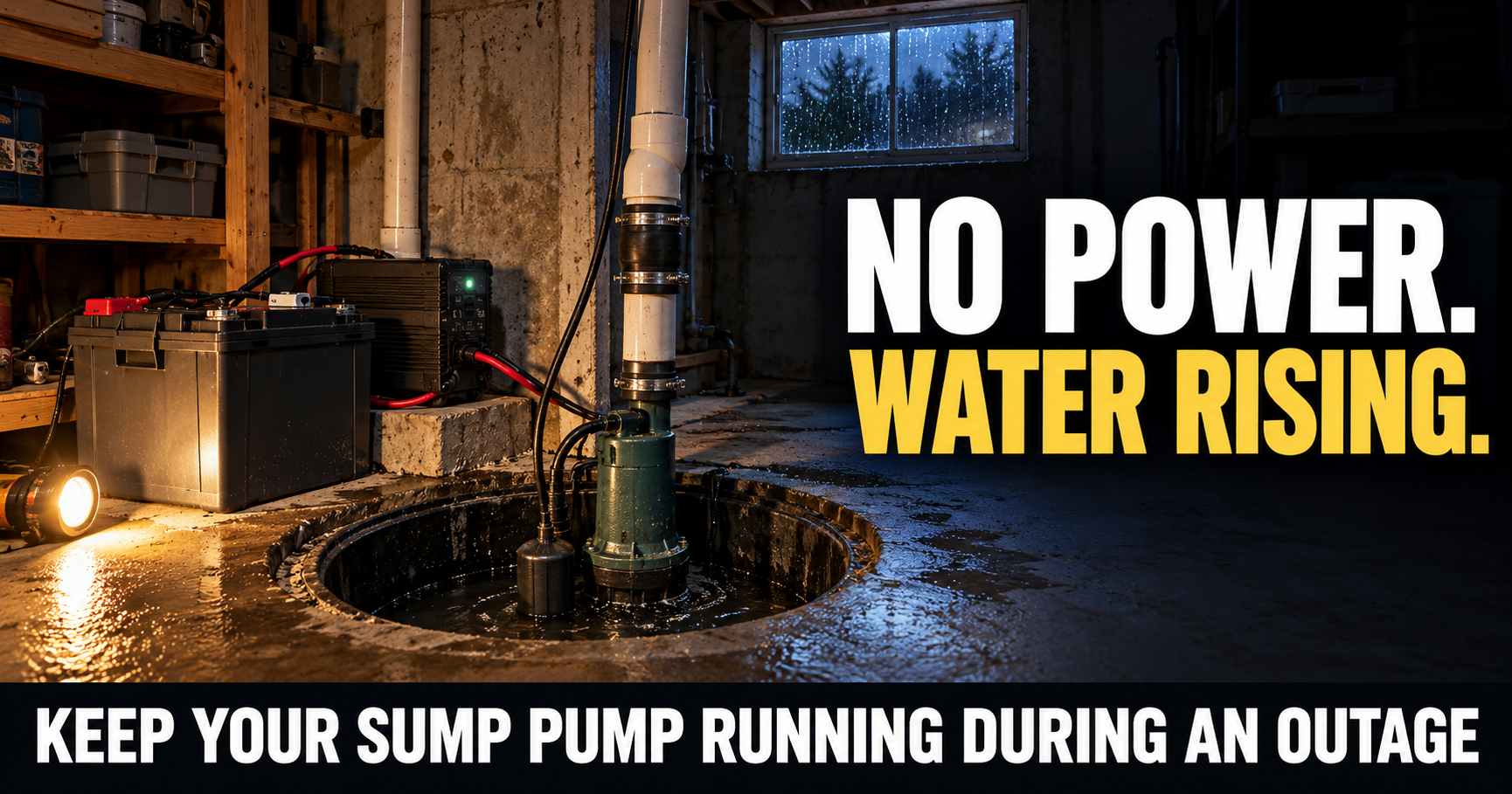
If you haven’t already, start with how I keep my sump pump running during a power outage.
That guide covers the complete layered setup: primary pump, automatic battery backup, portable power, generator backup, alarms, discharge problems, and drainage.
This article is intentionally narrower.
Here we’re solving one problem:
How long can I realistically expect the battery layer to protect the basement?
The Number on the Box Is Only a Starting Point
Manufacturer runtime numbers are still useful.
I absolutely look at them.
But I also look at the conditions behind the number.
Was it based on continuous pumping?
A 10% duty cycle?
What battery?
What pumping height?
What backup pump?
That’s how I separate a useful runtime specification from marketing that doesn’t tell me enough.
For example, Zoeller’s 6-hour continuous versus 48-plus-hour intermittent specification tells me far more than a simple claim of “up to two days.”


My Simple Way to Estimate Whether the Battery Is Enough
I don’t need laboratory equipment.
During a bad rain, I record the pump for an hour if practical.
If it runs about:
3 minutes per hour, that’s roughly a 5% duty cycle.
6 minutes per hour, that’s roughly 10%.
15 minutes per hour, that’s roughly 25%.
30 minutes per hour, that’s roughly 50%.
If it’s barely shutting off, I’m approaching continuous operation.
Then I compare that with the manufacturer’s runtime information for the actual backup system and battery I’m considering.
That gives me a much more realistic picture of whether I’m preparing for six hours, overnight, or a multi-day outage.
Battery runtime estimates are useful, but there’s another problem I don’t want to overlook.
The battery has to be healthy enough to deliver the runtime I’m expecting.
A backup system that lasted through a long outage when the battery was new may perform very differently several years later.
That’s why I don’t install a sump-pump battery, forget about it, and assume I’m protected forever.
I Test the Backup Before Storm Season
The simplest test is also one of the most important.
I want to see the backup pump actually move water.
Following the manufacturer’s testing procedure, I make sure the primary pump isn’t doing all the work and then raise the water level enough to activate the backup.
I’m checking whether:
- The backup pump starts normally.
- The alarm and controller work.
- Water actually leaves the pit.
- The battery doesn’t immediately show a problem under load.
- The pump completes several cycles normally.
Seeing a green “charged” light isn’t enough for me.
I want to see the system pump water.
Battery Age Matters
Batteries don’t maintain their original capacity forever.
Heat, charging history, battery chemistry, maintenance, age, and how deeply the battery has been discharged can all affect its useful life.
So if I’m estimating runtime from specifications based on a healthy battery, I remember that’s what the estimate assumes.
An aging battery may still show a normal charge voltage but have substantially less usable capacity than it did when new.
I follow the battery and backup-system manufacturer’s testing and replacement recommendations instead of waiting for obvious failure.
A Long Outage Can Become a Charging Problem
Here’s another scenario worth thinking through.
The power goes out.
The backup sump system runs for several hours.
Utility electricity comes back for a short time.
Then another storm knocks the power out again.
Did the battery have enough time to recharge fully?
Maybe not.
A battery that protected the basement during the first outage may enter the second outage partially depleted.
That’s why repeated outages can be harder on the system than one isolated blackout.
I pay attention to charge status after power returns instead of assuming the battery instantly reset to 100%.
The Worst Rain Is What I Want to Prepare For
Average conditions don’t concern me nearly as much as the storm that pushes the sump system hard.
If my pump normally runs six minutes per hour but once or twice a year runs 20 minutes per hour, I don’t size the backup solely around the easy days.
Those are exactly the storms most likely to:
Knock out electricity.
Fill the sump pit quickly.
Flood roads.

Delay utility repairs.
Make it harder to buy fuel or another battery.
I want enough backup to survive conditions that are realistically bad for my property.
I Watch for a Pump That Starts Cycling More Often
This is where knowing my normal sump behavior pays off.
Suppose last spring the pump ran about once every ten minutes during a heavy rain.
Now it’s starting every three minutes under similar conditions.
I don’t immediately blame the battery.
Something may have changed.
The ground may be more saturated.
A downspout may be dumping water near the foundation.
The discharge may be sending water back toward the house.
A check valve may be failing.
Drainage conditions may have changed.
The pump may be losing performance.
A bigger battery can mask some of these problems, but it doesn’t actually fix them.
A Bad Check Valve Can Destroy My Runtime Estimate
This is a good example.
The pump turns on and pushes water up the discharge pipe.
Then it shuts off.
If the check valve isn’t working correctly, some of that water can fall right back into the sump.
The water level rises.
The pump starts again sooner.
Now I’m spending battery energy pumping some of the same water multiple times.
Fixing a $30 or $40 plumbing problem could potentially extend my effective backup runtime more than buying another expensive battery.
That’s why I inspect the whole system.
I Make Sure the Discharge Water Stays Away
The same idea applies outside.
If the sump discharge dumps water right beside the foundation, some of that water may find its way back toward the basement.
That’s wasted pumping.
I want the discharge arranged appropriately so water can move away from the house rather than immediately becoming the sump pump’s problem again.
Gutters and downspouts matter for the same reason.
Every gallon I prevent from reaching the foundation is a gallon my battery doesn’t have to spend energy removing.
What Happens If My Battery Is Running Down?
This is where another layer becomes valuable.
I don’t want the battery hitting empty to be the end of the plan.
If the outage is continuing and the backup battery is doing substantial work, I start thinking ahead.
Do I have generator power available?
Can I safely run the primary AC pump from that generator?
Is the generator already supporting other essential loads?
How much fuel do I have?
How severe is the rain expected to become?
I don’t wait until the battery is nearly dead before remembering there’s a generator in the garage.
A Generator Can Turn Hours of Backup Into Days
This is why I like battery backup and generator backup together.
The battery handles the immediate outage automatically.
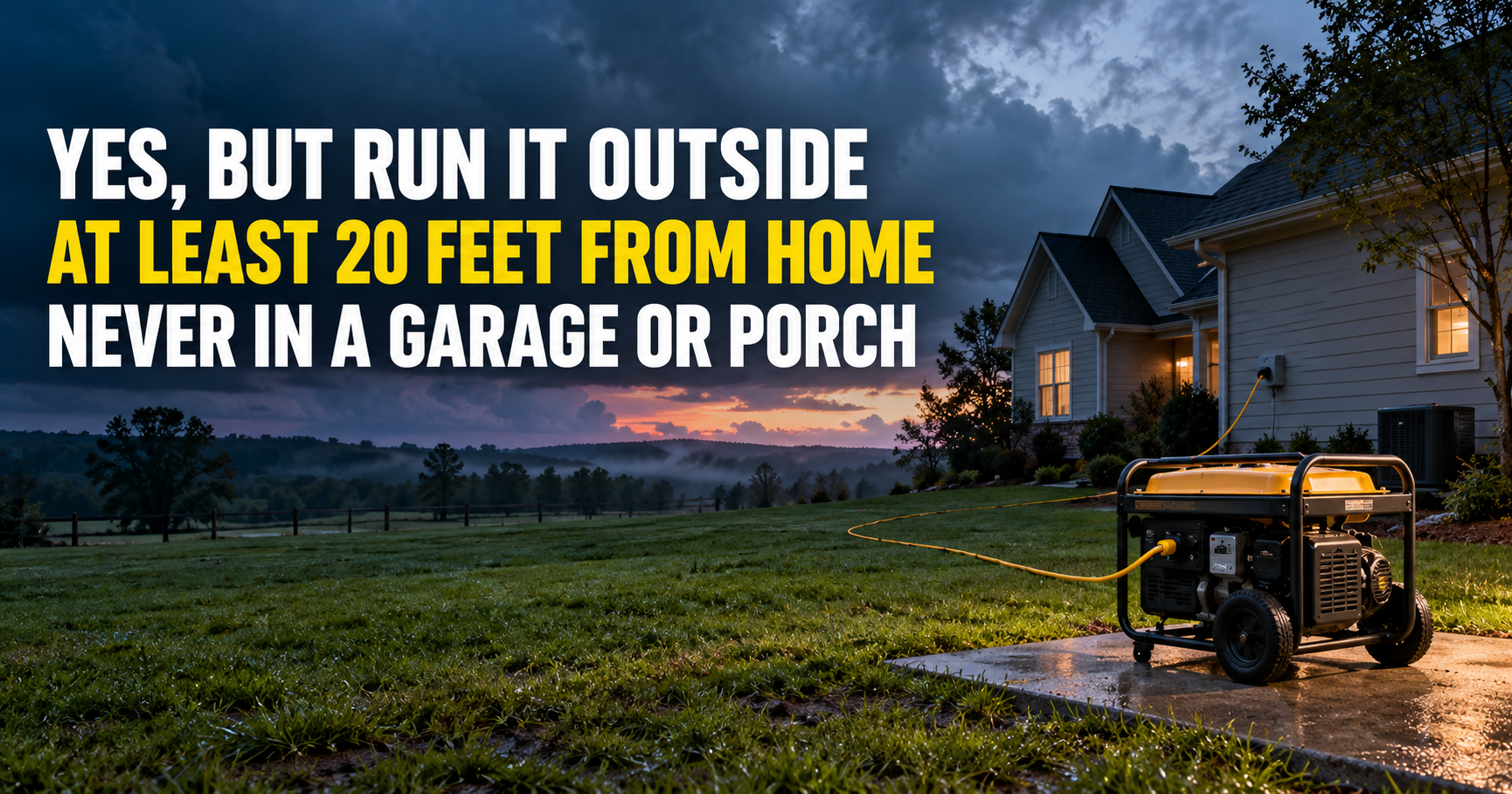
Then, once I’m awake and available, I can safely get the generator operating outdoors.
Now the primary AC sump pump can potentially return to service, assuming the generator is properly sized for its running and starting requirements.
That lets the backup battery rest and recharge when utility or suitable generator-supported charging is available according to the system’s instructions.
I’ve already covered the complete approach in how I keep my sump pump running during a power outage.
The battery buys me time.
The generator gives me endurance.
I Don’t Drain the Battery Just Because I Own One
If I’m home and a long outage is obviously developing, I don’t necessarily sit back and let the battery do all the pumping until it’s almost empty.
If I can safely transition the primary pump to properly sized generator power, preserving battery capacity gives me another backup.
Now if the generator stops, needs fuel, or develops a problem, the battery system still has something left.
That’s the kind of redundancy I want.
I Keep Generator Fuel in the Runtime Equation
Generator backup isn’t unlimited either.
Eventually I’m trading battery capacity for fuel capacity.
So I want to know:
How much gasoline or propane do I have?
How quickly does the generator consume it at my actual load?
Can I replenish that fuel during a widespread outage?
What else am I powering?
A long storm can turn into a resource-management problem surprisingly quickly.
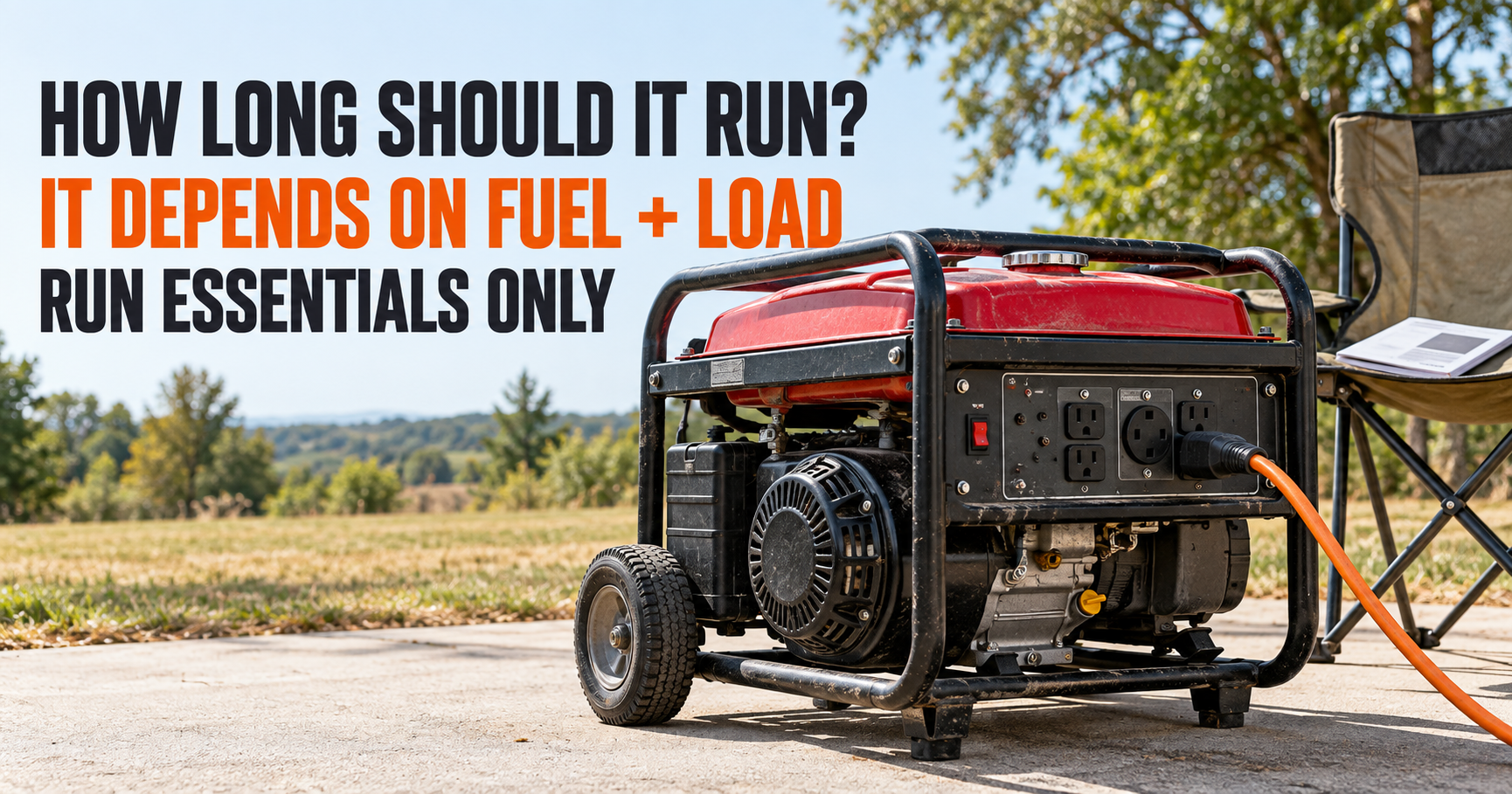
That’s why I already treat fuel carefully in how long I run a generator during a power outage.
Would I Add a Second Battery?
If my particular backup system supports it, possibly.
A second compatible battery can significantly extend runtime on systems designed to use one.
But I wouldn’t automatically buy a second battery before understanding why the first one isn’t enough.
If my problem is simply outage duration, more battery capacity can make sense.
If my problem is that the backup pump can’t remove water fast enough, another battery doesn’t solve it.
If my problem is terrible drainage around the house, another battery is treating the symptom.
I figure out the limiting factor first.
I Don’t Mix Random Batteries Into the System
Battery systems are not an area where I assume “12 volts is 12 volts” and connect whatever I find.
The backup pump manufacturer may specify:
- Battery chemistry
- Capacity range
- Terminal configuration
- Charger compatibility
- Number of batteries supported
- Wiring requirements
I follow those requirements.
The controller and charger are designed around a particular battery setup.
I don’t improvise just because a different battery happens to fit on the shelf.
What If I Need More Than One Day of Backup?
This is where I stop expecting one battery to solve the entire emergency.
For a basement with serious groundwater problems, I’d rather build layers.
My setup might look like:
Primary AC pump
for normal operation.
Automatic battery-backup pump
for immediate outage protection.
Generator
for extended outages.
High-water alarm
for warning if something isn’t keeping up.
Now I’m not asking one battery to carry my basement through a three-day blackout by itself.
I Keep the Battery Above Potential Floodwater
This is another small detail that matters.
The backup system exists because the sump might fail to keep up.
So I plan for that possibility.
I don’t want the battery, charger, controller, or other electrical equipment sitting where the first inch of basement water can reach it.
I install and position equipment according to the manufacturer’s instructions while keeping flood exposure in mind.
The backup system shouldn’t become another casualty of the flood it’s supposed to prevent.
I Don’t Assume a Finished Basement Can Afford to Wait
The consequences matter when deciding how much backup is reasonable.
If my basement is unfinished and contains almost nothing, my risk tolerance may be different.
If I have:
Finished walls.
Flooring.
Furniture.
HVAC equipment.
A water heater.
Electronics.
Stored valuables.
Bedrooms.
An office.
Then one failed pump could create an enormous repair bill.
In that situation, spending more on redundancy starts making a lot more sense.
My Runtime Goal Isn’t Necessarily “72 Hours”
I don’t pick a nice round number because it sounds prepared.
I ask what I’m actually preparing for.
If outages in my area normally last two to six hours, I want enough margin beyond that.
If ice storms regularly knock power out overnight, my needs are different.
If I’m in an area where major storms can leave electricity out for several days, one battery isn’t my entire plan.
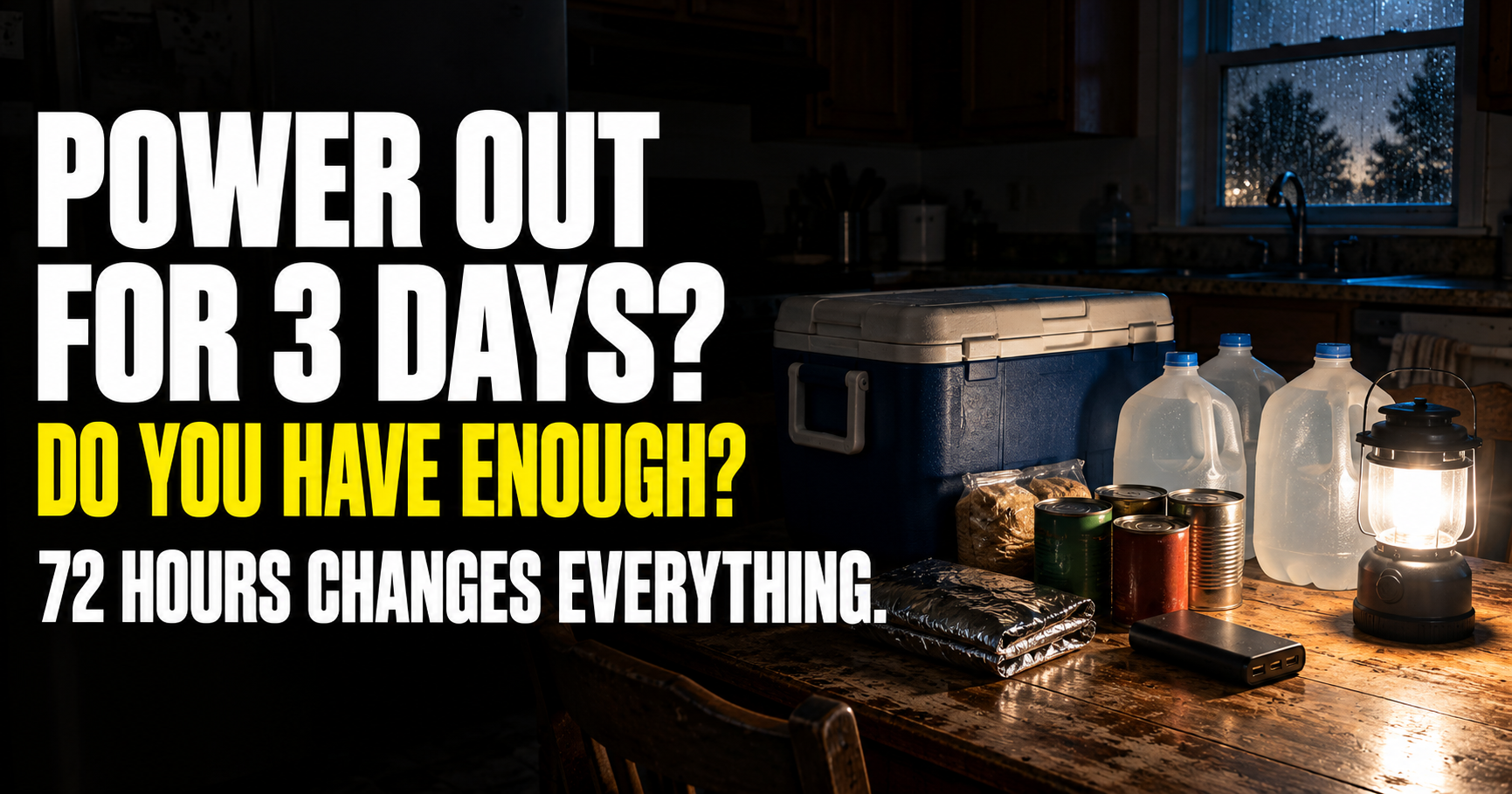
That’s where the broader 3-day power outage setup becomes useful.
The sump pump has to fit into the household’s larger outage plan.
The Best Number Is Based on My Basement
That’s ultimately why I don’t give one universal answer to this question.
A battery backup might protect one basement for 40 hours.
The same battery could struggle to make it through a single night somewhere else.
The difference can come down to how much water enters the pit.
So I measure.
I watch the pump during heavy rain.
I calculate the duty cycle.
I check the manufacturer’s runtime data.
I account for battery age.
And I have another layer ready if the outage lasts longer than the battery.
The Number I Care About Is Minutes of Pumping
That’s the simplest way I’ve found to think about it.
Instead of asking:
“Will this battery last 24 hours?”
I ask:
“How many minutes of actual pumping can this system provide, and how many pumping minutes does my basement normally need during a bad storm?”
Now I have two numbers I can actually compare.
That’s much more useful than a runtime claim on the front of a box.
And once I know those numbers, I can decide whether one battery is enough, whether I need more capacity, or whether a generator needs to become part of the plan.
About the Author
Caleb Mercer writes about blackout preparedness, sump-pump backup, generators, battery power, household flooding, and the systems homeowners depend on when electricity fails. His work for the Survive Essentials Power Outages and Backup Power section focuses on turning equipment specifications into practical backup plans that account for what actually happens during storms.